

Turn your strategy intoa backtestable index.
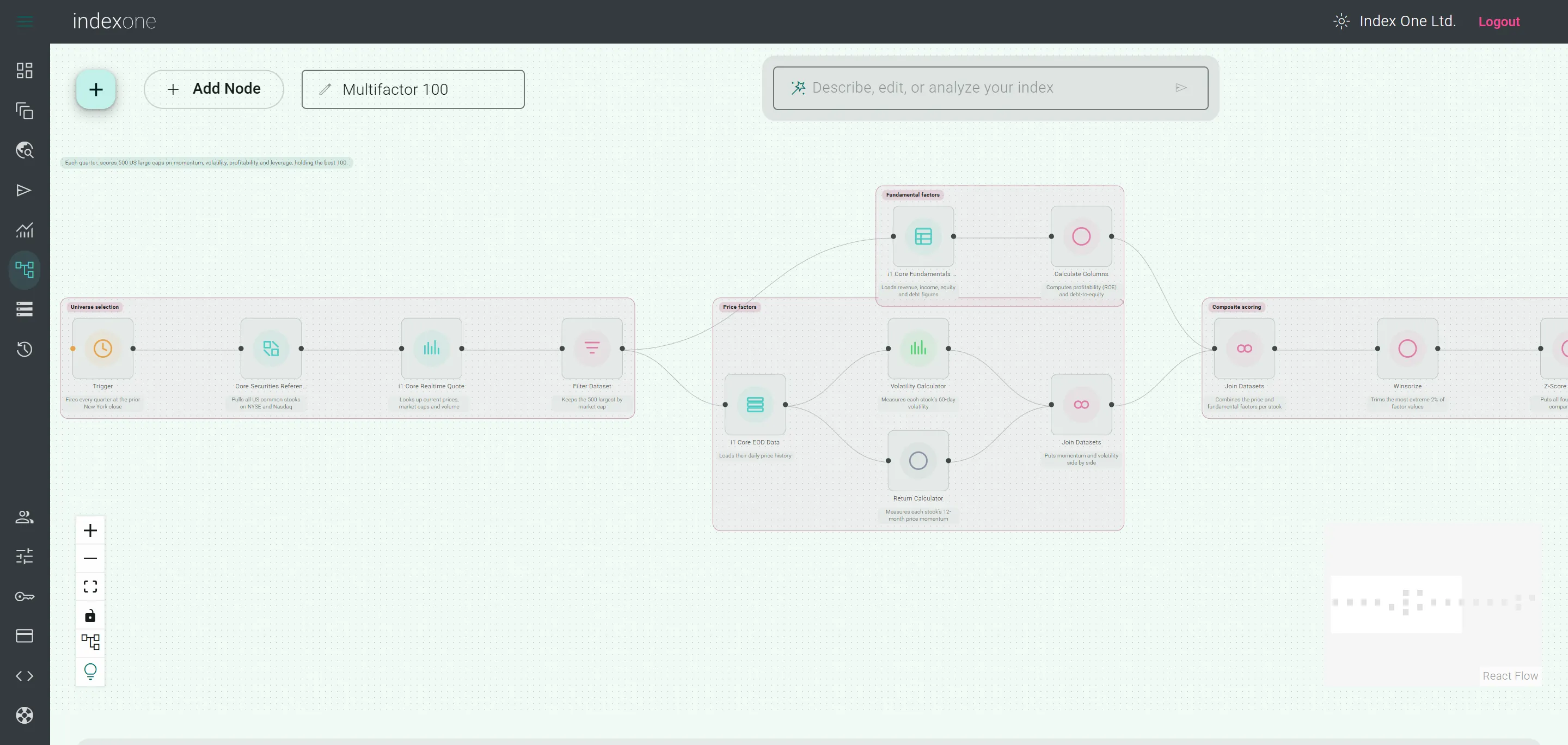
Build indices, backtest your ideas and calculate them over time with Index Studio — a platform for your quantitative research.
Explore three core capabilitiesFrom strategy design to ongoing calculation
Bring your research into one workflow
Connect your assets, weights and rebalancing rules. Select a capability below to explore the corresponding official interface.
Support for participating teams
Apply for Index Studio Pro during the competition
Eligible teams can apply through their captain in the Team portal. After review, the organiser coordinates invitations and free competition Pro access with Index One.
Each approved member uses a separate account. Captains apply for their own seat; the organiser coordinates additional member seats.
- 01Captain applies
- 02Organiser reviews
- 03Invitation and activation
Continue in the FundConnectHK Team portal after signing in
Apply for competition accessRegistering on the Index One website does not automatically grant competition access. Check your review outcome, invitation email and account activation status.
The official getting-started guide
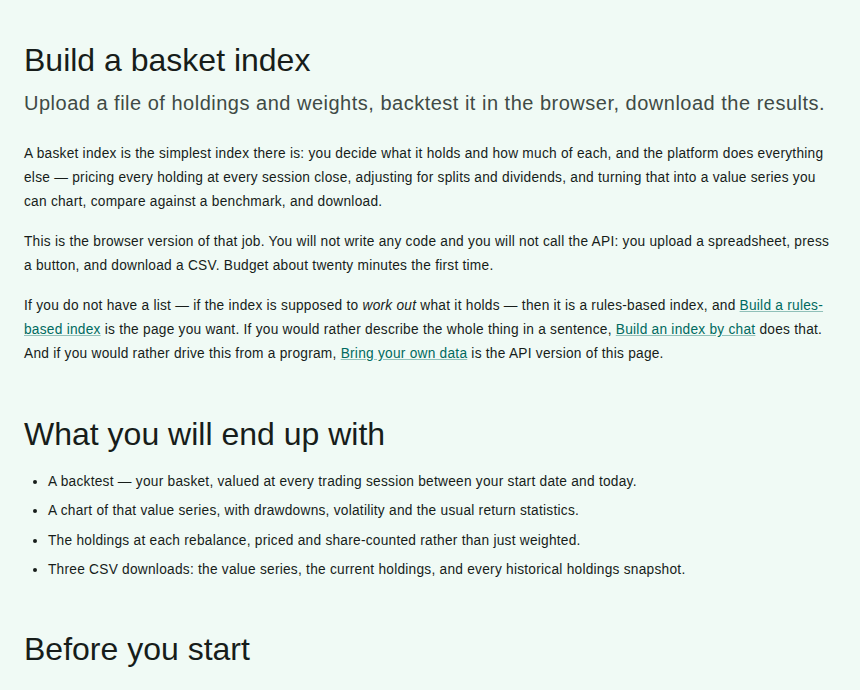
Start with your first basket index
Begin with assets you know, then build, backtest and review your index. Follow Index One’s official guide for the full instructions.
- 01
Prepare assets and weights
Organise your symbols, weights and any rebalance dates in a CSV file using the guide’s format.
- 02
Create your index
Choose a basket template in Index Studio, upload your data and set the index parameters.
- 03
Review the results
Run the backtest, explore the chart, holdings and statistics, then download the data.
Explore Index Studio further
Give your next strategy a clear starting point.
Discover the platform, or follow the official guide to build your first index.